Network Outage
Network Outage Alert: The Load Was Not the Traffic
By Nattapong Sukkasem · Published · Updated .
TL;DR — Microsoft 365 failed across multiple regions on 12 November and was still not fully restored on Friday morning. Exchange Online, Teams, SharePoint, Copilot, Defender XDR, Purview and Intune all appeared on the impacted list under advisories MO1550821 and EX1550543. Microsoft first called it elevated load, then corrected itself: the load was not driven by an increase in traffic. Servers were failing automated health checks, leaving the pool, and handing their share of the work to the machines still standing, which then failed the same checks. Servers that were restarted went unresponsive again the moment traffic reached them. This network outage is a case study in what happens when the variable that moves is capacity rather than demand.
Every capacity playbook an operations team owns rests on one assumption: that load arrives from outside. Add servers, shed requests, throttle the noisy tenant. The network outage that took Microsoft 365 off the air on Thursday afternoon inverted that assumption, and the inversion explains why more than fourteen hours of remediation kept not working. Microsoft's own status account said it plainly once engineers had looked properly: the elevated load was not driven by an increase in traffic. Demand was flat. Supply collapsed underneath it, and the collapse itself produced the load.

What broke, and in what order
The sequence matters more than the headline, because the order of events is the argument. A Teams incident in North America, TM1550488, opened and closed before the main event. Exchange Online mailbox access then started failing, tracked as EX1550543, initially scoped to the Americas and widened within the hour to a warning that connectivity “may affect Microsoft 365 service connectivity for users in any region”. A second, broader advisory followed for the dependent services. Microsoft paused all deployments and configuration changes early, began moving traffic off the affected infrastructure, and started restarting servers. None of the three held.
| Time (UTC) | What Microsoft reported | What it changed |
|---|---|---|
| 14:45 | Teams problems in North America, logged as TM1550488 | Closed at 15:53, before the main incident opened |
| 16:17 | Exchange Online mailbox access failing; EX1550543 opened | Scoped to the Americas, then widened to any region |
| 19:57 | No recent change correlated with the start of impact | Deployments and config changes already frozen |
| 22:00 | A core process on affected servers is becoming overwhelmed | First mechanical explanation offered all day |
| 02:14 | Infrastructure capacity improvements applied | Confirmed at 03:07 as not taking as expected |
| 06:20 | Restored servers still dropping out under traffic | No root cause published; recovery region by region |
Two housekeeping numbers are disputed and neither affects anything below. The start time is given as roughly 16:17 UTC by the most detailed timeline, around 18:00 UTC by The Register, and “shortly after noon Eastern” by Global News, so the duration by Friday morning is somewhere between thirteen and fifteen hours. The Downdetector peak for Outlook is reported as 97,000, 100,000, 120,000 across 74 countries, 128,874 and about 130,000 by five different outlets, with separate counts near 47,000 and 38,000 for Microsoft 365 itself. Call it well over a hundred thousand self-reported complaints and move on.
What “affected” meant also varied by service, and the variation is worth knowing before you write your own incident note. Exchange Online failed across every client surface at once: Outlook on the web, MAPI, Exchange ActiveSync and the REST interfaces. Teams appeared on the list, but Microsoft said core messaging and online meetings remained largely functional, which is a materially different claim from the one a network outage tracker shows. Microsoft also published a workaround for one narrow case, exporting sensitivity-labelled items from Fabric, that involved removing the label where data-protection policy allowed it. A vendor offering to relax a control as an availability workaround is a decision somebody in your organisation has to own.
Why capacity loss behaves differently from a traffic spike
Here is the mechanism as Microsoft described it over the night. A core process on the affected servers was becoming overwhelmed, which caused those servers to stop responding. Automated health checks did exactly what they are built to do and pulled the unresponsive machines out of rotation. That is correct behaviour, and it is also the amplifier: every machine removed redistributes its share of connections onto the machines still answering, which raises their per-host load, which pushes the next tier of them over the same threshold. Engineers eventually validated an alternative health-check method and used it to return a subset of servers to service. The servers came back, stayed healthy while idle, and went unresponsive again as soon as they received traffic.

That last detail is the whole story compressed into a sentence. A pool recovering from capacity loss cannot be restored one host at a time, because the first host back inherits a share sized for a healthy pool. No zero-day vulnerability is involved here, and that is precisely what makes it worth reading: the failure modes that take an estate off the air are frequently not adversarial, and the rota that handles one is the rota that handles the other. Microsoft's answer was to temporarily limit which types of traffic could reach the affected infrastructure — selective admission control, the same instrument used against a DDoS attack, pointed at a problem with no attacker in it.
The console was inside the blast radius
The revised impact list is uncomfortable reading for anyone who runs a security function on this platform. Defender XDR and Purview portal pages were reported as failing to load. So were parts of the Microsoft 365 admin centre, the Microsoft 365 Apps admin centre, Intune, Defender for Office 365 Safe Links, and Purview data-loss-prevention and auto-labelling. Users reported that even the public status page would not load for a period. The cloud security question here is not whether anything was breached, because nothing suggests it was; it is what your security team could see while it was happening, given that the console you would use to rule an attack in or out was inside the event you were trying to rule on.

The server infrastructure that failed is not addressable by anyone outside Microsoft, and that is the uncomfortable part of a hyperscale dependency: the unit of failure is the pool, and the pool is not yours. Microsoft also rebuilt some machines using a previous software configuration and, according to one detailed timeline, began reverting a recent network configuration change said to correlate with the start of impact. That claim appears in a single source and sits awkwardly beside Microsoft's own earlier statement that no recent change correlated with the start, so treat the rollback as an action taken rather than a cause established. An earlier Microsoft outage, in July 2026, was traced to a network configuration change, and nobody has established the same cause here. Microsoft has published no root cause, and an executive is reported second-hand as saying this was not a security breach.
What to do now
- Read the revised impact list in MO1550821 rather than working from headlines, and check EX1550543 separately. The two advisories cover different things and the feature list was revised at least once during the night.
- Do not reset passwords, rebuild Outlook profiles, reinstall Office or change your own network configuration while a provider incident is open. Every one of those actions creates work you will have to undo and noise you will have to explain.
- Resolve the service endpoints your users actually connect to with a network diagnostic tool and record the answers with timestamps. When a provider says it has moved traffic to alternate routes, a reroute you did not observe is a reroute you cannot confirm reached your own estate.
- Write down which business processes stopped and for how long, while the detail is fresh. Mail that is delayed is not mail that is lost, so plan for a queue flush and a burst of deferred automation once service returns.
- Decide who owns the answer to what your detection coverage actually was during the window in which the security portals were unreachable. That is an IT security question, not a service-desk one, and in most organisations it has no default owner.
Where name resolution sits in a provider-side reroute
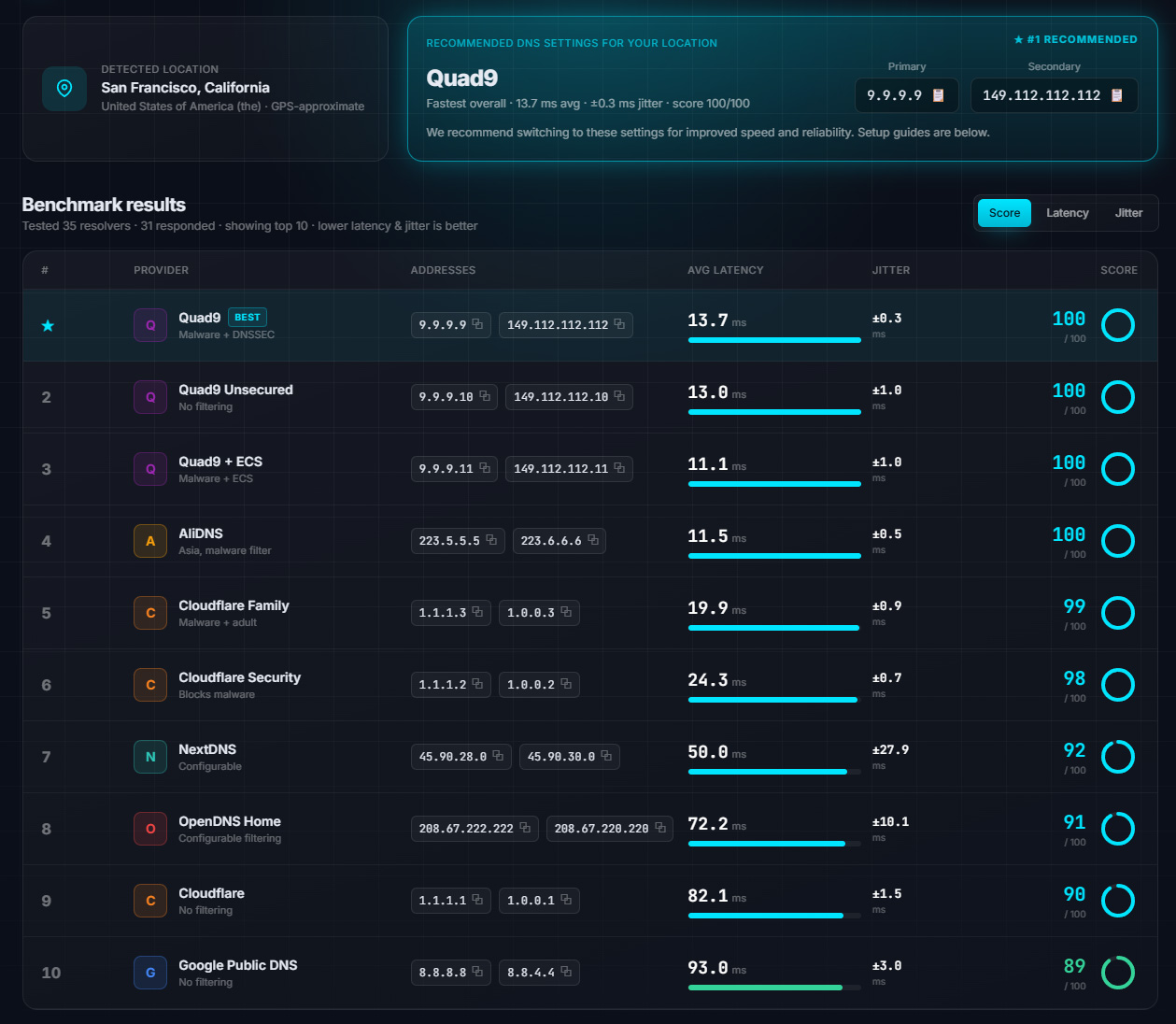
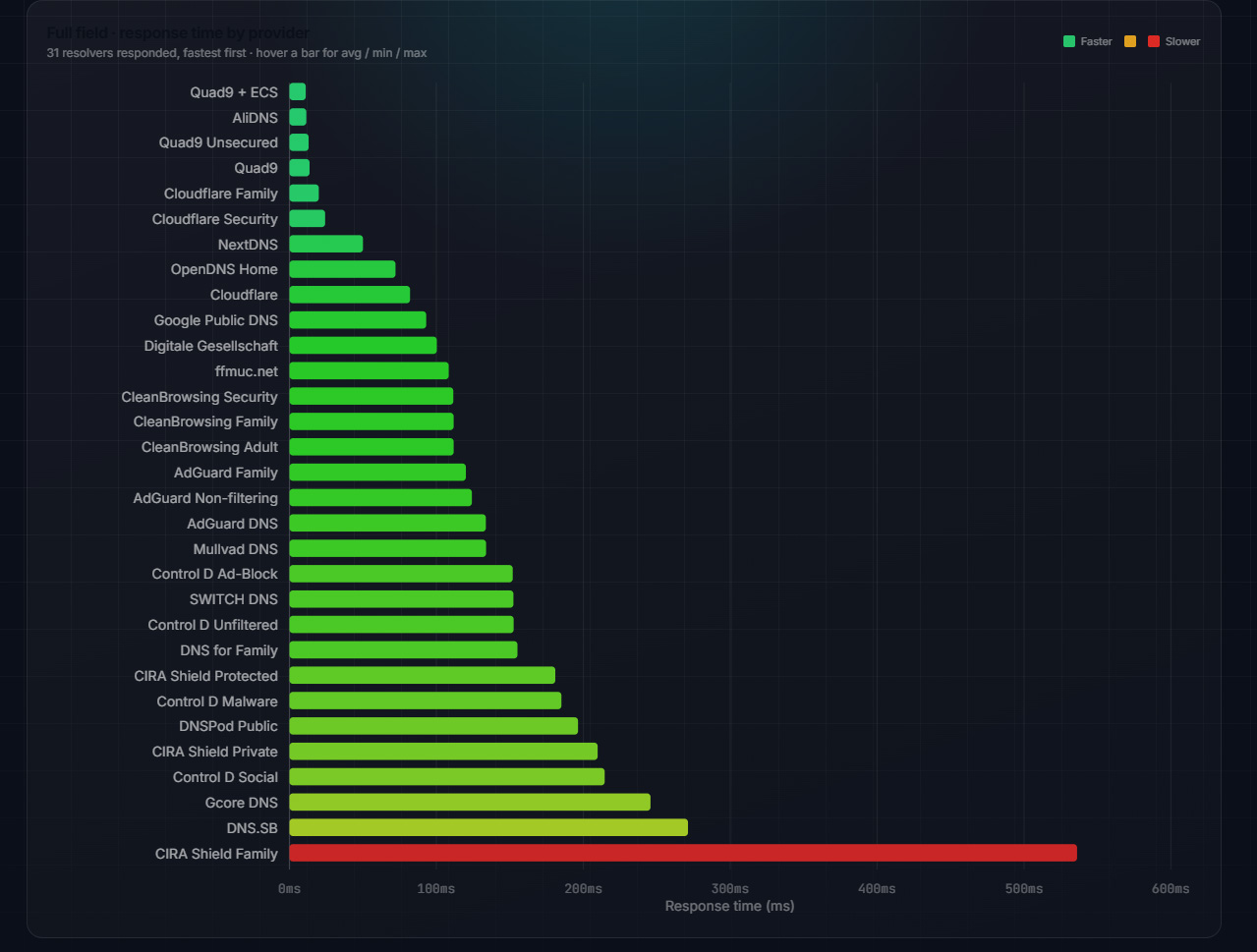
Rerouting connections across a global estate is, at the client end, a name-resolution event. Your users do not know which front end they are talking to; they know a hostname, and the record behind it decides where they land. That makes the time-to-live on those records a real variable during recovery, because a client that cached an answer before the reroute keeps using the old destination until the cache expires, which you can watch from the outside with a DNS propagation checker. It also makes DNS over HTTPS an operational question rather than a privacy one: when the client resolves through a public endpoint instead of your resolver, you lose the ability to see which front end your own estate is being pointed at, exactly when you need to prove the provider's fix has arrived.
The reason this network outage deserves more than a shrug is that nothing exotic happened. There was no attacker, no novel exploit and, on the evidence so far, no catastrophic single component. A routine control did its job, and doing its job moved work onto a shrinking population until the arithmetic stopped closing. Any sufficiently large pooled system can do this, including yours, and the tell is always the same: adding capacity does not help, because capacity was never the thing that was short. What was short was headroom, and headroom disappears fastest in the direction nobody is watching.
Sources
- The Register — Microsoft struggling to fix massive cloud outage that has taken down email and Intune
- Cyber Security News — Microsoft 365 massive outage: fixes fail as restored servers keep going unresponsive
- Cyber Security News — Massive Microsoft 365 outage impacts Exchange Online, Teams, SharePoint, Copilot and Defender XDR users
- Azure Blog UK — Microsoft 365 outage, 12 November 2026: what happened and what admins can do
- GBHackers — Massive Microsoft 365 outage disrupts Outlook, Teams and Defender XDR worldwide
- CyPro — Microsoft 365 outage: what happened on 12 November
- Global News — Microsoft 365 outage continues globally as company says no fix yet
Related articles
Browse every DNS news article by month →
DNS angle
Review resolver logs for the systems discussed above and compare unexpected names with your approved services. A successful lookup does not establish that a destination is safe. Use the DNS lookup tool to inspect current answers, then compare them with your own resolver and incident records.
Source: The Register — Microsoft struggling to fix massive cloud outage that has taken down email and Intune ().